Solitaire Mania - Classic Card
Publisher Description


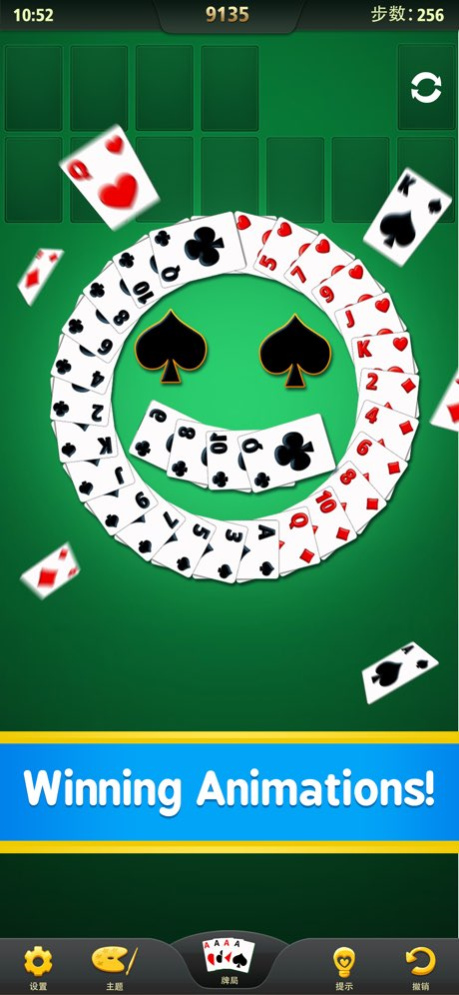

Play the FREE SOLITAIRE card game on you PHONE!
Classic Solitaire, also known as Klondike Solitaire, is the most popular solitaire card game in the world.
Try our BEST FREE SOLITAIRE card app, which is beautiful and fun like classic Windows Solitaire.
Features:
- Beautiful graphics
- Klondike gameplay
- Unlimited free undo
- Unlimited free hints
- Draw 1 or 3 cards
- Auto complete for solved game
- Statistics
- Personal records
- Choose your card style
- Left handed mode
Simple and addicting, Solitaire is sure to bring back old memories of the days when Windows Solitaire reigned supreme. We’ve taken the quintessential solitaire experience and revamped it for the new century.
About Solitaire Mania - Classic Card
The company that develops Solitaire Mania - Classic Card is 少彬 吴. The latest version released by its developer is 1.0 .
To install Solitaire Mania - Classic Card on your iOS device, just click the green Continue To App button above to start the installation process. The app is listed on our website since 2026-10-06 and was downloaded 2 times. We have already checked if the download link is safe, however for your own protection we recommend that you scan the downloaded app with your antivirus. Your antivirus may detect the Solitaire Mania - Classic Card as malware if the download link is broken.
How to install Solitaire Mania - Classic Card on your iOS device:
- Click on the Continue To App button on our website. This will redirect you to the App Store.
- Once the Solitaire Mania - Classic Card is shown in the iTunes listing of your iOS device, you can start its download and installation. Tap on the GET button to the right of the app to start downloading it.
- If you are not logged-in the iOS appstore app, you'll be prompted for your your Apple ID and/or password.
- After Solitaire Mania - Classic Card is downloaded, you'll see an INSTALL button to the right. Tap on it to start the actual installation of the iOS app.
- Once installation is finished you can tap on the OPEN button to start it. Its icon will also be added to your device home screen.
Program Details
System requirements
Download information
Pricing
Version History
version -
posted on 2026-10-06
version 1.0
posted on 2018-01-13
Jan 13, 2018
Version 1.0
This app has been updated by Apple to display the Apple Watch app icon.
